May 3, 2026
Starlink Speeds in Perth - What You Actually Get
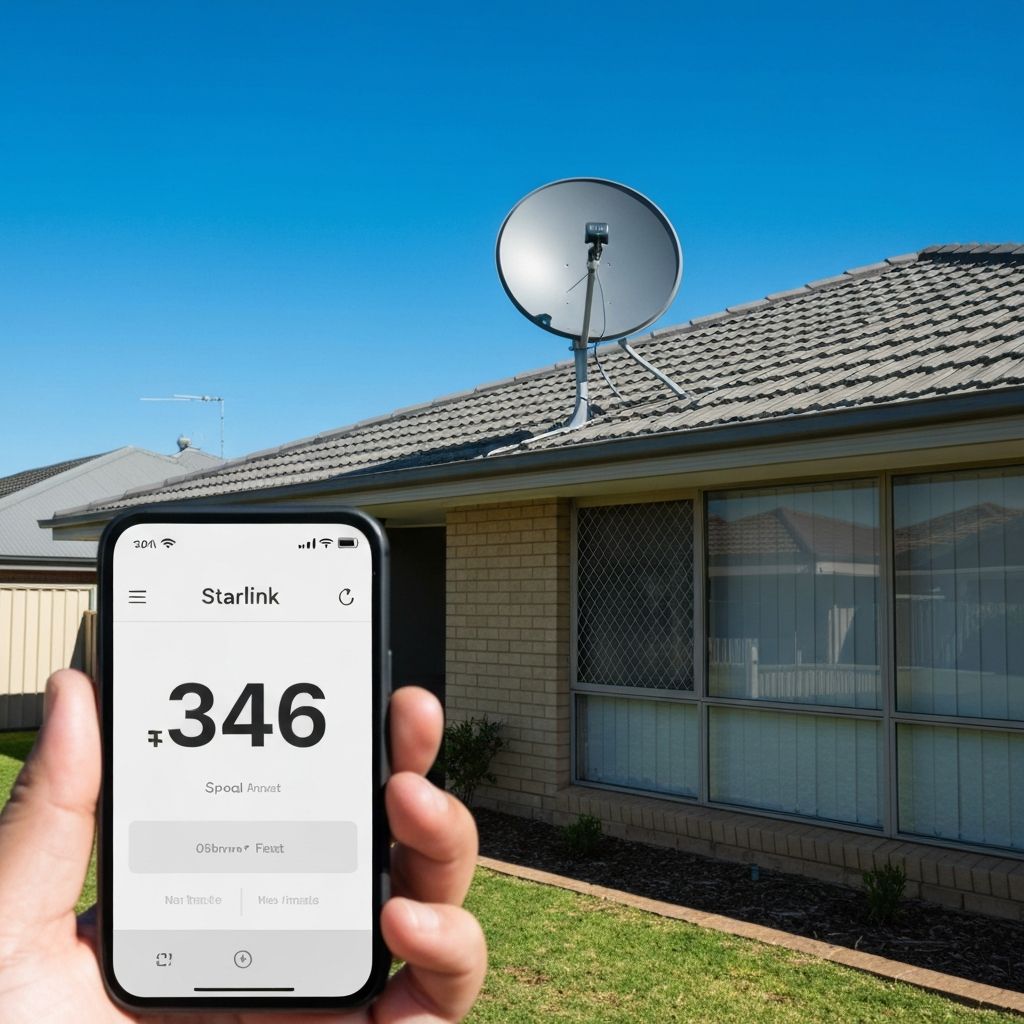
The first question everyone asks is simple: "How fast is Starlink?"
Fair question. But the honest answer is not one neat number.
Starlink speed depends on your plan, your dish location, satellite load, weather, Wi-Fi setup and whether the dish has a proper clear view of the sky. Two houses in the same suburb can get different results if one dish is mounted properly and the other is half blocked by trees.
So instead of pretending every install gets the same magic number, here is the practical version for Perth homes in 2026.
The current speed ranges
Starlink's Australian residential plans are commonly listed around three home tiers:
- Residential 100 Mbps
- Residential 200 Mbps
- Residential Max, advertised as the fastest residential option
For mobile use, Starlink Roam plans are usually discussed in a wider range. Current Australian plan comparison data commonly puts Roam around 65-260 Mbps download, with latency often under 100ms depending on conditions.
That does not mean your house will sit at the top of the range all day. It means the network can perform very well when the dish is clear, the cell is not overloaded and your local Wi-Fi is not the weak point.
For most normal homes, anything consistently above 100 Mbps feels quick. Streaming, video calls, browsing, kids on tablets and normal work-from-home use all run fine when the connection is stable.
The bigger issue is dropouts, not whether a speed test says 178 or 221.
What affects Starlink speed in Perth?
There are five big ones.
1. Sky obstruction
This is the big one.
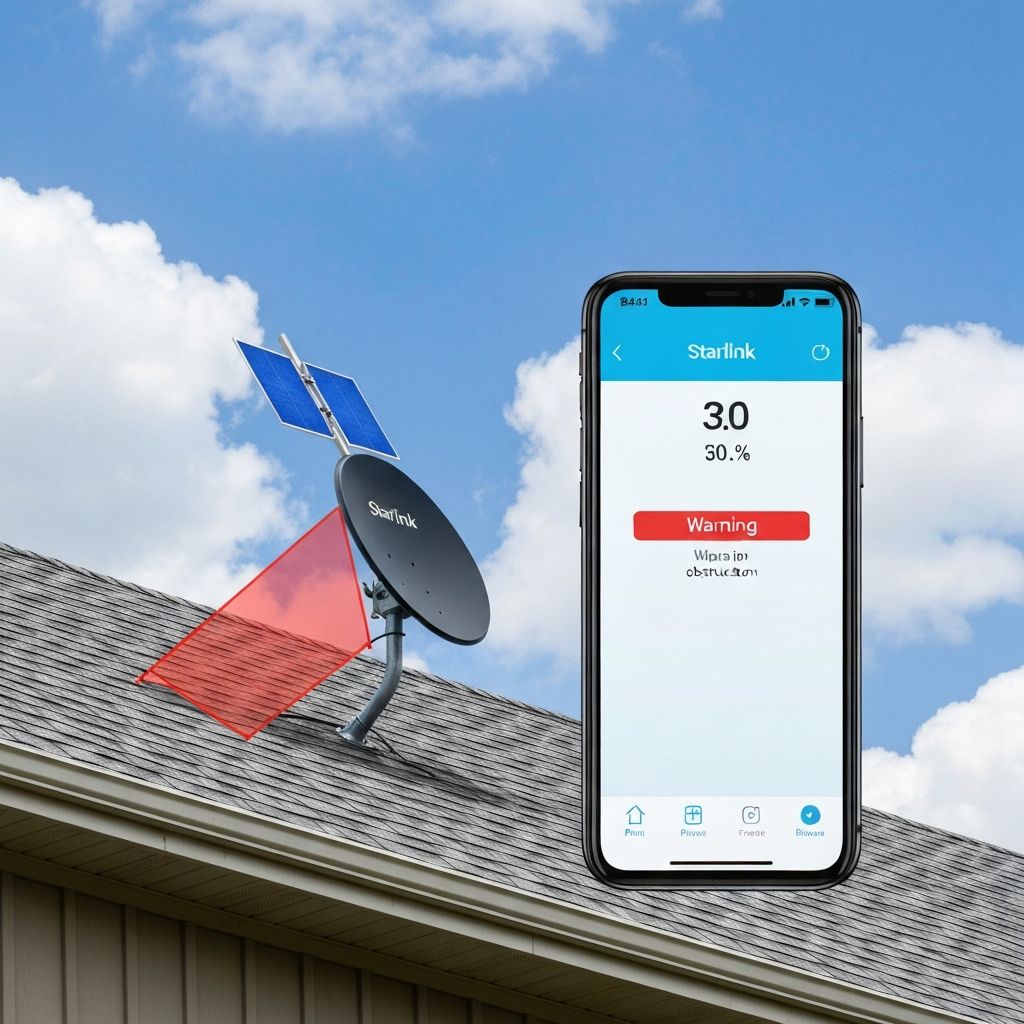
Starlink needs open sky because the dish is talking to moving satellites. A gum tree, chimney, second-storey roofline or even a neighbour's tree can cause short dropouts.
In Perth hills suburbs like Kalamunda, Mundaring, Roleystone and Darlington, trees are often the real problem. The same goes for South West properties around Bridgetown, Manjimup, Donnybrook and Pemberton. Beautiful blocks, terrible sky view if the dish is mounted in the wrong spot.
A roof mount usually beats a ground mount because it gets above fences, cars, sheds and low trees. Sometimes a pole mount is needed if the roof still does not clear the obstruction.
2. Dish placement
You can have a clear sky and still get an ordinary result if the dish is mounted poorly.
The mount needs to be solid. If the dish moves in the wind, the connection suffers. The cable needs to be protected and routed properly. The roof entry needs to be sealed. The dish needs to sit where it can do its job without being shaded by the house itself.
This is where a professional install pays for itself. The app can tell you a lot, but it does not climb around your roof and understand cable runs, wind, tiles and water entry.
3. Network congestion
Starlink is a shared network. Speeds can be lower at peak times when more people nearby are online.
That is normal for most internet services. NBN has peak-hour slowdowns too, especially on cheap plans or older technology.
The difference is that Starlink performance can improve as SpaceX adds satellites and capacity. There is a lot happening in 2026 around newer satellites and network upgrades, but do not buy on future promises alone. Buy based on whether the service solves your problem now.
4. Weather
Normal rain is usually fine. Heavy storms can affect satellite internet because the signal is travelling through the weather.
In WA, the bigger long-term issue is often wind and heat. A dodgy mount, poor cable entry or exposed cable can fail before the dish itself does.
Install it once, install it properly.

5. Your Wi-Fi inside the house
Plenty of people blame Starlink when the real problem is indoor Wi-Fi.
If the router is stuck in a bad spot, boxed into a cabinet, sitting at one end of a big house, or trying to punch through brick walls, the speed on your phone will look ordinary even if the dish is performing well.
For larger Perth homes, sheds, granny flats or double brick houses, you may need mesh Wi-Fi or proper data cabling. The dish gets internet to the house. The router and cabling decide how well it spreads through the house.
Starlink vs NBN speed in Perth
If you have good fibre NBN, Starlink may not beat it for consistency. Fibre is hard to beat when it is available and working properly.
But a lot of homes are not on clean fibre. They are on older NBN technology, long copper runs, patchy fixed wireless, congested areas or plans that do not deliver what the family needs.
Here is the plain comparison:
- NBN50 is fine for basic homes if it actually delivers 50 Mbps
- NBN100 is good when the line supports it properly
- faster NBN plans are great where fibre or upgraded tech is available
- Starlink can be better where NBN is unreliable, unavailable or too slow
- Starlink also works as a backup for businesses that cannot afford downtime
I do not tell everyone to rip out NBN. If your NBN works, keep it. If it does not, Starlink is a serious option now.
What about gaming and video calls?
Latency matters for gaming and calls.
Starlink latency is much better than old-school satellite internet. It is not the same as fibre, but it is good enough for most video calls, streaming, browsing and normal online work when the dish has clear sky.
For competitive gaming, fibre still wins if you can get it. For casual gaming and normal family use, Starlink is usually fine when installed properly.
Again, obstructions are the enemy. If the dish drops out every few minutes, no speed test number will save you.
What speeds do Perth customers actually care about?
Most people do not need a laboratory answer.
They want to know:
- Will Netflix stop buffering?
- Can the kids be online while I work?
- Will video calls hold steady?
- Can I run cameras, smart TVs and phones at the same time?
- Is it better than the rubbish connection I have now?
That is the right way to think about it.
A clean 100-200 Mbps connection with stable latency is better than a messy install that sometimes hits a higher number and then drops out.
Quick speed checklist before you blame the plan
Before upgrading plans or assuming Starlink is slow, check:
- the Starlink app obstruction map
- whether the dish has moved
- whether trees have grown into the dish view
- whether the router is in a bad spot
- whether your device is on weak Wi-Fi
- whether too many devices are hammering the connection
- whether the issue is only at peak time
If the dish is obstructed, fix that first. If the Wi-Fi is weak, fix the inside network. Upgrading the plan will not solve a bad mount or a router buried in a cupboard.
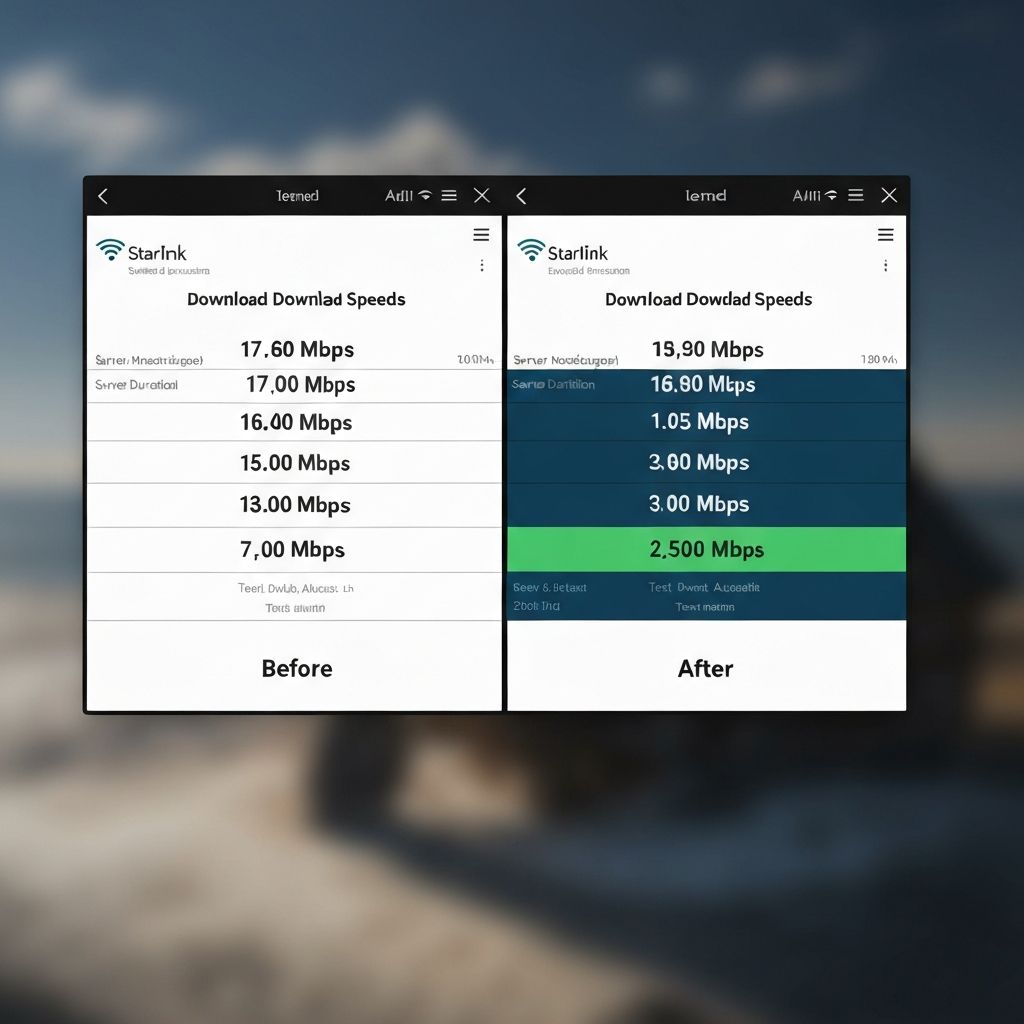
Want a proper speed check?
I can check the dish location, router placement and likely speed issues before you waste time changing plans.
If you are in Perth metro, the hills or the South West, call or text Andrew at Sky Signal WA. I can look at the site, check the sky view, and give you straight advice on whether Starlink will actually suit your place.
No hard sell. If NBN is the better answer, I will tell you.
Need Starlink advice for your Perth home?
Call or text Andrew for a straight answer on speeds, placement and whether Starlink suits your location.
0468 090 090